

The Page Behind the Page
Open a news story or a recipe and it feels like a single document. In reality, your browser is assembling dozens of separate pieces: the text you came for, plus ad slots, analytics beacons, social widgets, video players and tracking scripts pulled in from many different companies. Each piece arrives as its own request, and many of them bring code that keeps running long after the page appears to have finished loading.
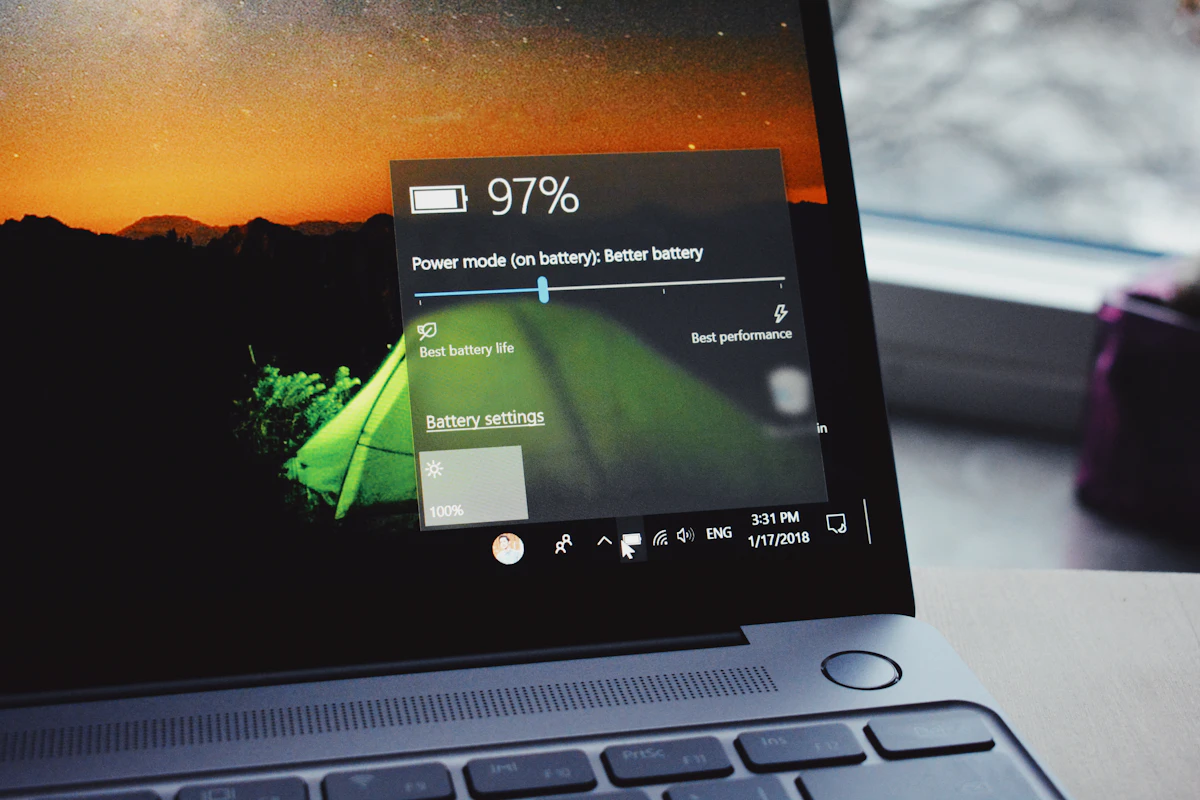
None of that extra material shows up as a visible cost. You simply notice that the fan spins up, scrolling feels a fraction slower, and the battery icon falls faster than it did when the machine was new. Much of that change has less to do with aging hardware and more to do with how heavy everyday web pages have become.
Why Idle Tabs Are Rarely Idle
A tab sitting quietly in the background looks harmless. Yet scripts inside it can keep timers running, refresh ad slots, check whether you are still on the page and send small reports back to remote servers. Every one of those wake-ups asks the processor to leave its low-power state, even if only for a moment.
Modern browsers try to throttle background tabs, and that helps. Still, for anyone who keeps twenty or thirty tabs open across a working day, the small wake-ups add up. The processor spends more time active, the system runs warmer, and the battery drains faster than the amount of real work being done would suggest.
Memory Pressure and the Slowdown Spiral
Every script, image and video player held in an open tab occupies memory. When free memory runs short, the operating system starts moving data between RAM and storage to make room. That shuffling is slow, and it is one of the main reasons a browser that felt quick in the morning can feel sticky by mid-afternoon.

On many sites, advertising and tracking code makes up a meaningful share of that memory footprint. Trimming it frees space for the pages you are actually reading, and it reduces how often the system has to fall back on slow shuffling, which keeps the whole computer more responsive.
Autoplay, Animation and the Graphics Chip
Animated banners and videos that start on their own are especially demanding. Decoding video and drawing motion keeps the graphics hardware busy, and on most laptops the display and graphics components are among the biggest power users in the system. A muted clip playing in a sidebar relies on much the same machinery as a film you chose to watch.
Because these elements often load in tabs you are not even looking at, the energy they consume is pure overhead. Stopping them before they start is one of the simplest ways to give that power back to the things you actually want to do.
Small Habits That Lighten the Load
A few routine habits make a noticeable difference to how a browser behaves over a long day:
- Close what you are finished with. Or turn on your browser's built-in tab sleeping or memory saver feature.
- Stay up to date. Browser and operating system updates often include efficiency improvements.
- Audit your extensions. Remove add-ons you no longer use, since each one can add its own background work.
- Watch the heavy hitters. Your browser's task manager shows which tabs use the most memory and processing power.
These steps help, but only up to a point, because the heaviest material is decided by the websites you visit rather than by you. The most direct way to change that is to filter out unwanted ads, trackers and autoplay media before they load at all.
Where Total Adblock Fits In
Total Adblock is a browser extension and mobile app that blocks pop-ups, banner ads, video ads and third-party trackers before they load. By stopping that material at the door, it reduces the amount of code your browser has to download and run. The provider says this helps pages load faster and cuts the background activity that can drain battery life on mobile devices.
It works with popular browsers including Chrome, Edge, Opera and Safari, and apps are available for Android and iOS. A free version is offered, and paid plans extend what is covered; the official site lists the current plans and renewal terms. If your browser has started to feel heavy, it is a straightforward way to take back some control over what runs on your device.
